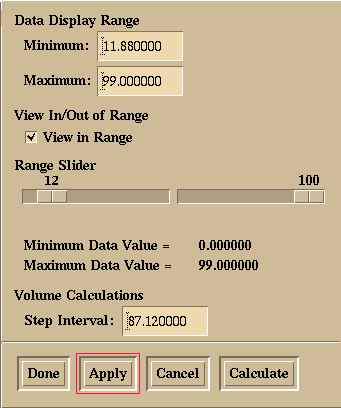
Figure 13.6: Data Range pop-up dialog. This dialog allows the user to limit which blocks will be plotted based on block cell value. The minimum and maximum range values can be set directly by entering desired values into text field, or by positioning slider bars. By setting the View in Range toggle to false, instead of the cell blocks with values in range being drawn, they we not be drawn, and the cells outside the range will be drawn. Volume calculations can also be controlled from this dialog.